Agniveer running tests involve more than measuring how quickly a candidate reaches the finish line. Large groups require controlled starts, candidate identification, performance tracking, route monitoring and accurate reporting. WachMe makes all these aspects part of a process based on a wearable-based workflow that uses GPS, local communication, automated timing, and result transfer.
Why Large-Scale Agniveer Running Tests Become an Operational Challenge
Managing Multiple Candidates
Keeping track of multiple candidates at once poses challenges regarding timing, identification, and performance tracking when manual handling plays an important role in such activities.
Linking Candidates to Results
The value of finishing time is minimal if it is not properly matched with the candidate. Accurate matching of the candidate with the result becomes critical during large batches.
Coordinating Running Groups
Different age groups may require different start timings. Manual coordination of these start times will add burden on the instructors.
Recording Complete Performance
A physical test is not just about the finishing time. Recording details like speed, cadence, calories burned and the details of the running route demands systematic recording of data other than stopwatch timing.
Turning Data Into Reports
The collected information about the running test must be converted into report format. The manual recording of data like candidate details, performance data, and categories becomes necessary.
How WachMe Automates an Agniveer Running Test From Candidate Assignment to Final Report
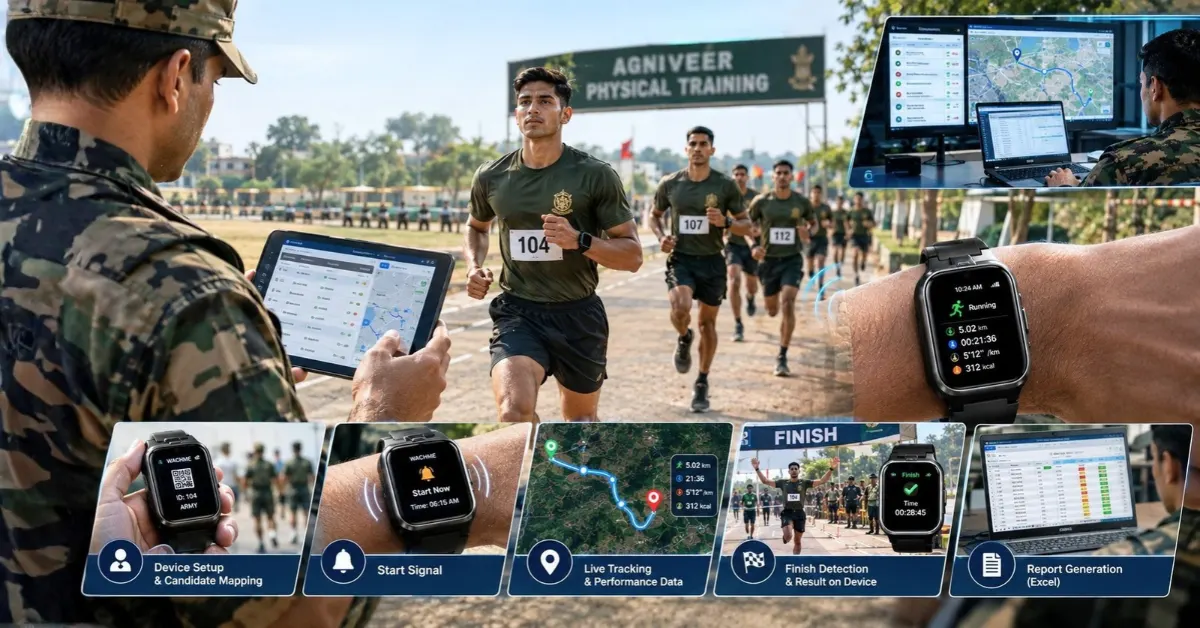
Step 1: Assign WachMe to the Candidate
WachMe uses a local server to connect the wearable’s IMEI with the assigned runner. Candidate details such as name, rank and Army number then appear within the configured wearable workflow.
Step 2: Configure the Running Test
The instructor sets age-wise running times and selects the route for the day’s physical training drill. This creates the test configuration before candidates begin running.
Step 3: Setup GPS
The runner starts the required mode and obtains GPS signal.
Step 4: Setup the Desired Start Time
The instructor’s mobile application provides the configured start timing. The wearable receives the relevant timing through the local communication setup rather than depending on mobile internet.
Step 5: Alert the Candidate
The wearable vibrates, speaks the start instruction and activates the screen. These signals give the runner a clear indication that the physical test has started.
Step 7: Record Running Performance
During the run, WachMe records running information including cadence, average speed and calories. The system also includes route-related monitoring features for configured training routes.
Step 8: Handle the Finish
When the runner crosses the configured finish point, the device detects the finish event and disarms automatically. The runner can then see the result on the wearable.
Step 9: Transfer the Result
The wearable connects to the endpoint WiFi router at the finish and transfers its result to the local laptop server. Internet connectivity is not required for this result-transfer process.
Step 10: Generate the Report
The local reporting process creates an Excel report organizing runners into performance categories such as Excellent, Good, Satisfactory, and Fail.
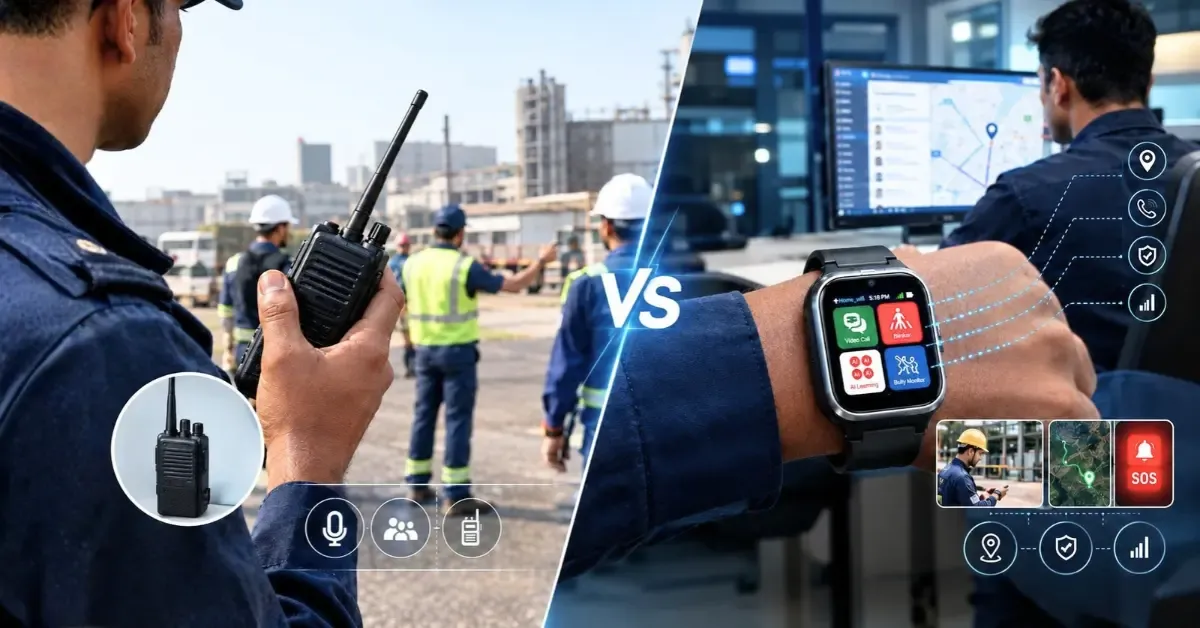
Manual Running Test vs Wearable-Based Running Test
| Monitoring Area |
Manual Running Test |
Wearable-Based WachMe Workflow |
| Start timing |
Instructor or timekeeper manages timing |
Instructor sets configured timings and devices receive them |
| Candidate identification |
Separate identification and record process |
Candidate and wearable are mapped through the local server |
| Start signal |
Human instruction or signal |
Wearable vibrates, speaks and activates its screen |
| Running data |
Primarily manual timing records |
Time, average speed, cadence and calories are recorded |
| Route monitoring |
Depends on physical supervision |
Route configuration includes critical points and route deviation features |
| Finish timing |
Manual stopwatch or observation |
Device detects the configured finish event |
| Result transfer |
Manual recording is common |
Result transfers wirelessly to the local laptop server |
| Internet dependency |
Depends on the chosen system |
Tracking and reporting workflow does not require internet |
| Reporting |
Manual compilation may be required |
Excel-based local reporting process organises results |
| Fail-safe |
Manual process remains central |
Manual result upload remains available |
Is WachMe a Smartwatch or a Physical Training Automation Platform?
Referring to WachMe as just a smartwatch does not take into account the whole system. The wearable is the physical hardware component. However, the physical training process also entails the operating system and control and reporting process.
Wearable Hardware
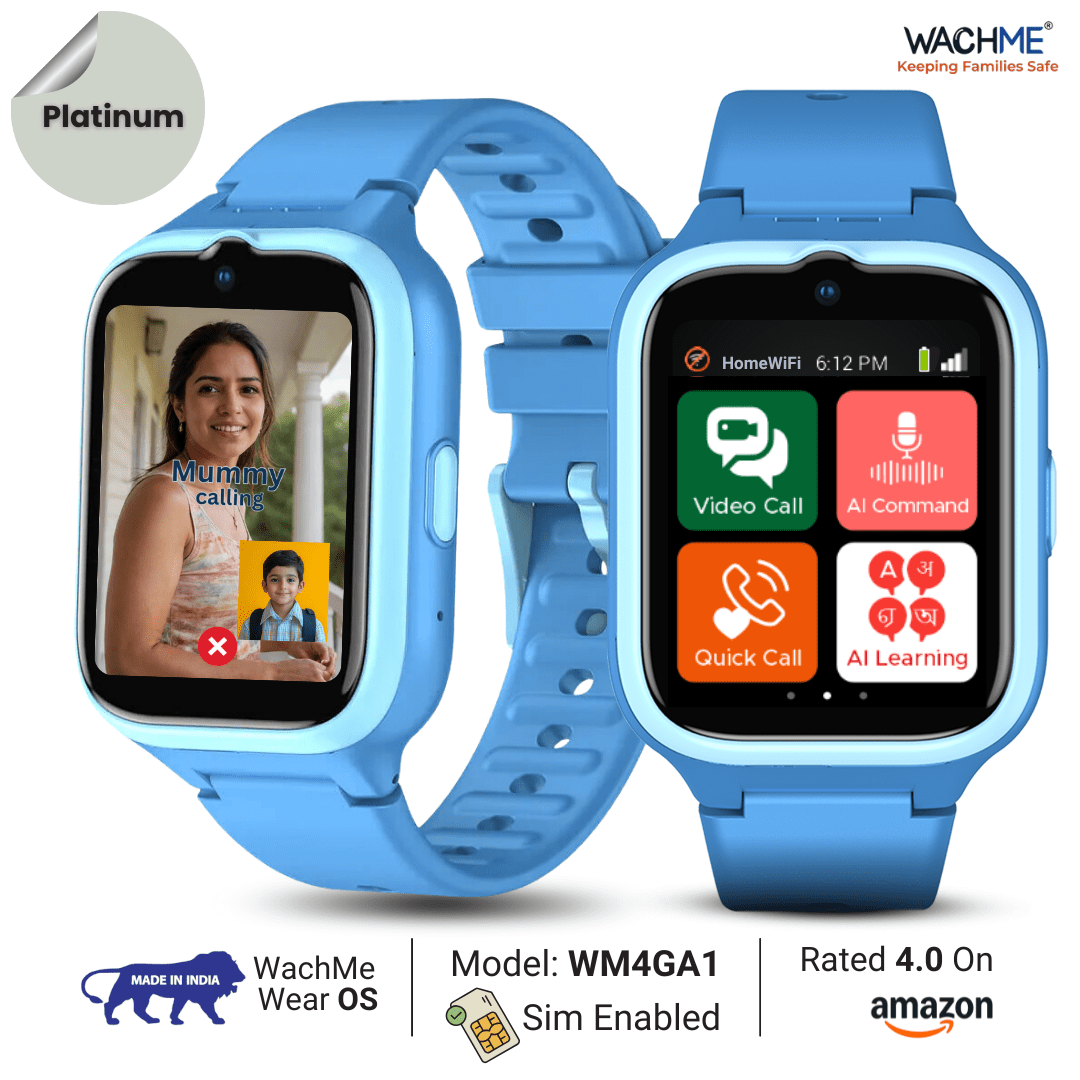
WachMe offers the physical hardware component that the candidate wears. The hardware components include GPS-related functionality, WiFi, Bluetooth, activity tracking, a step counter, a three-axis accelerometer, touchscreen controls, and a rechargeable battery.
WachMe Wear OS
WachMe Wear OS forms the software layer controlling the wearable workflow. Developed in India, it supports the device functions and connects the wearable with the broader physical training monitoring process.
Instructor Application
The instructor application provides operational control over the running test. The instructor sets age-wise start timings and selects the route before the candidates begin the drill.
Local Communication
The system uses local communication between the wearable, instructor device, WiFi router and laptop server. The jogging workflow keeps tracking and reporting independent of continuous internet connectivity.
Reporting
Reporting connects the physical activity with an administrative record. WachMe transfers results to the local server, while an Excel script organises candidate information and performance categories for instructor review.
Book a WachMe Wearable Technology Demo
A practical demonstration is useful when an organisation needs to understand how wearable-based physical training monitoring fits into its own centre. The WachMe team visits the training centre and demonstrates the workflow using the wearable, instructor controls and local reporting setup. Get in touch with us today!
Conclusion
The automation of an Agniveer running test is not just putting on smartwatches on all the candidates. The need here is to have an end-to-end workflow that links up with the identification of the candidate, start timing control, GPS, running results, routes, finishing time, and reporting.
WachMe meets this need through a wearable-based physical training monitoring system. The WachMe system works via local networking and does not need internet access all the time.
FAQs
Does WachMe require continuous internet during an Agniveer running test?
No, the jogging workflow uses local communication and does not require internet for tracking or reporting during the training activity.
How does WachMe connect a candidate with the correct result?
WachMe uses a local server to map runner information with the wearable’s IMEI before the running test begins.
What information does WachMe record during running?
WachMe records running time, average speed, cadence and calories. The route monitoring feature also forms part of the system.
How does WachMe handle different age groups?
The instructor sets separate start timings for age groups through the mobile controller. Assigned devices receive their relevant timings before the running activity starts.
Does WachMe make recruitment or selection decisions?
No, WachMe provides physical training monitoring and reporting data. Candidate assessment and recruitment decisions remain with the responsible organisation.